
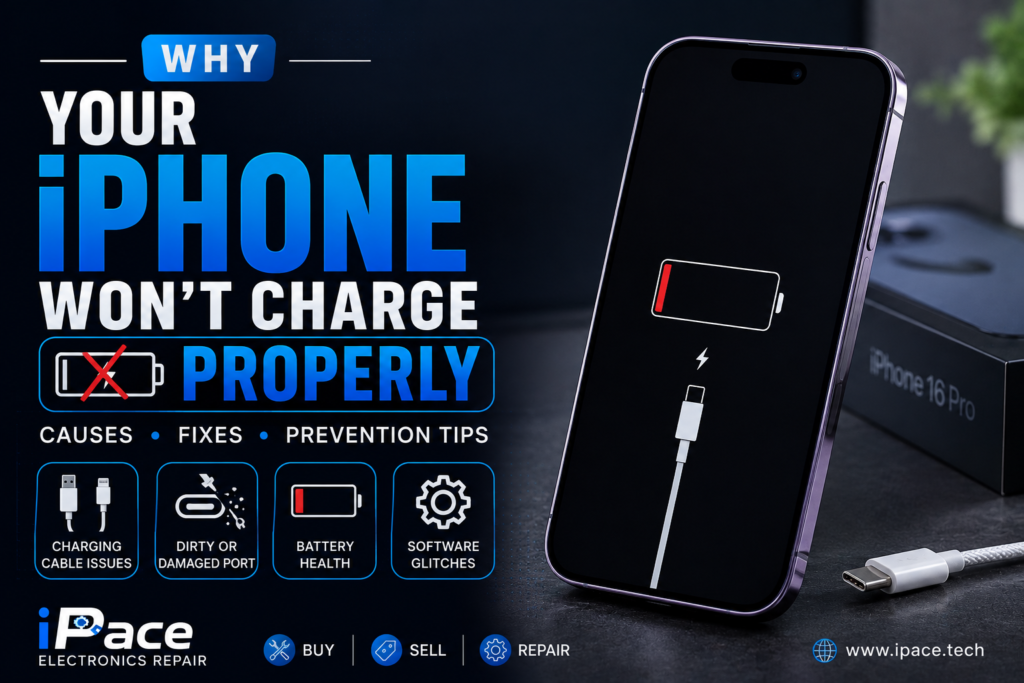
An iPhone that refuses to charge properly can be frustrating, especially when you rely on it for work, communication, and everyday tasks. Whether your battery charges slowly, stops charging intermittently, or won’t charge at all, the issue can stem from several hardware or software problems. Understanding the most common causes can help you identify the problem early and decide whether a simple fix or professional iphone repair is needed.
Common Signs Your iPhone Has Charging Problems
Charging issues don’t always mean your battery has failed. Some common symptoms include:
- The iPhone charges only when the cable is held at a certain angle.
- Charging starts and stops repeatedly.
- The battery percentage increases very slowly.
- The phone displays “Accessory Not Supported.”
- The charging cable doesn’t fit securely.
- The device won’t recognize the charger.
- The iPhone gets unusually hot while charging.
If you notice any of these signs, it’s important to diagnose the cause before it leads to more serious damage.
A Dirty Charging Port
One of the most common reasons an iPhone won’t charge properly is a dirty charging port. Over time, dust, lint, pocket debris, and dirt accumulate inside the Lightning or USB-C port, preventing the charging cable from making a secure connection.
You can inspect the port using a flashlight. If debris is visible, gently clean it using a soft brush or a wooden toothpick. Avoid using metal objects, as they may damage the internal charging pins.
Damaged Charging Cable
Charging cables experience daily wear and tear. Bent connectors, exposed wires, or internal cable damage can interrupt power delivery.
Signs of a faulty cable include:
- Frayed insulation
- Loose connectors
- Slow charging
- Charging only at certain angles
Always use certified charging cables that meet Apple’s quality standards to avoid compatibility issues.
Faulty Power Adapter
Sometimes the problem isn’t the phone—it’s the wall adapter. A damaged or low-quality adapter may fail to deliver sufficient power.
Try using:
- A different Apple-certified adapter
- Another wall outlet
- A USB port on a computer
- A wireless charger (if your model supports it)
If charging works with another adapter, replacing the original charger may solve the problem.
Battery Health Has Declined
Lithium-ion batteries naturally wear out after hundreds of charging cycles. As battery health decreases, charging becomes slower and less reliable.
You can check battery health by going to:
Settings → Battery → Battery Health & Charging
If Maximum Capacity has dropped significantly or the system recommends battery service, replacing the battery is often the best solution.
Software Glitches
Occasionally, software bugs interfere with charging.
Simple troubleshooting steps include:
- Restart the iPhone.
- Update to the latest version of iOS.
- Force restart if the device is frozen.
- Reset settings if charging problems began after changing system settings.
Software updates often include bug fixes that improve charging performance.
Moisture Detection
Modern iPhones include moisture detection to protect the charging port from electrical damage. If moisture is detected, charging through the cable is temporarily disabled.
If you receive a moisture warning:
- Disconnect the charger immediately.
- Let the phone dry naturally.
- Place it in a dry, well-ventilated area.
- Do not use heat sources like hair dryers.
Charging usually resumes once the port is completely dry.
Charging Port Damage
Frequent plugging and unplugging can wear out the charging port over time. Bent pins, corrosion, or physical damage can prevent the cable from making proper contact.
Professional repair technicians can inspect the charging port and replace it if necessary.
Water Damage
Water exposure is another major reason iPhones stop charging properly. Even if the phone appears to work normally, moisture inside the charging port or motherboard may cause intermittent charging problems.
Signs of water damage include:
- Charging failure
- Screen flickering
- Speaker distortion
- Random restarts
- Corrosion inside the charging port
Professional cleaning and inspection are recommended after any significant water exposure.
Overheating
Your iPhone automatically protects its battery by limiting charging when the device becomes too hot.
Overheating may occur because of:
- Direct sunlight
- Gaming while charging
- Fast charging with poor ventilation
- High ambient temperatures
Allow the device to cool before attempting to charge again.
Wireless Charging Problems
If your iPhone supports wireless charging but won’t charge correctly:
- Remove thick phone cases.
- Ensure the phone is centered on the charging pad.
- Check whether the charger supports your iPhone model.
- Clean both the charging pad and the back of the phone.
Wireless charging is convenient but still requires proper alignment.
When to Seek Professional Repair
If you’ve tried different chargers, cleaned the charging port, updated your software, and your iPhone still won’t charge, professional diagnosis is the safest option.
Technicians can identify problems such as:
- Charging port failure
- Battery replacement needs
- Motherboard damage
- Power management IC faults
- Water damage
- Internal connector issues
Early repair can prevent further damage and save you from more expensive repairs later.
Tips to Prevent Charging Problems
Preventive maintenance can extend the life of your iPhone and charging accessories.
- Use genuine or Apple-certified charging accessories.
- Keep the charging port clean.
- Avoid charging in extremely hot environments.
- Never force the charging cable into the port.
- Protect your phone from water and moisture.
- Avoid using damaged charging cables.
- Keep your iPhone updated with the latest iOS version.
Conclusion
An iPhone that won’t charge properly doesn’t always require a new battery or replacement device. Many charging problems are caused by dirty charging ports, worn-out cables, software glitches, or minor hardware issues that can be fixed quickly. However, persistent charging failures may indicate more serious problems such as battery degradation, charging port damage, or motherboard faults.
By identifying the symptoms early and taking the appropriate steps, you can often restore normal charging and extend the lifespan of your iPhone. If the issue persists despite basic troubleshooting, seeking professional repair is the best way to protect your device and avoid more costly damage in the future.
